Trail Camera OTA Updates: Who Should Hold the Keys?
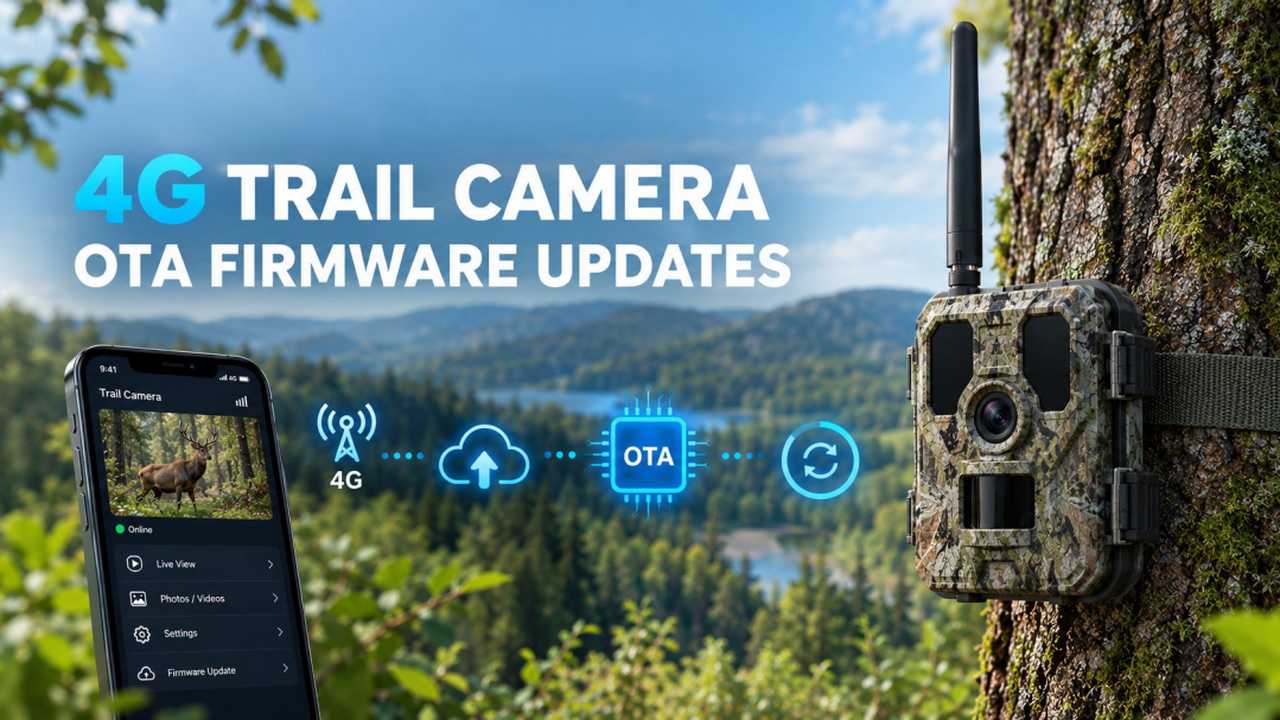
Picture 2,000 cellular trail cameras spread across pipeline corridors, farms and reserves in three provinces. One Tuesday you find a battery-drain bug in a firmware batch, or a compliance field missing for one region. The firmware has to change. How that change happens decides whether you spend an afternoon or a quarter — and most buyers only find out which one after they have signed.
Without OTA, every firmware change is logistics. You locate the units, send a technician to a remote site, or ship them back to the factory, re-flash, ship back, and redeploy. At 2,000 units times an average site visit, a single recall can eat a year of saved budget. With OTA, the same fix is one signed push. The difference is not a feature checkbox; it is the operating model of your deployment. A remote site visit rarely costs less than a round of travel and a day of labor; multiply that across a few hundred units and the math overtakes the camera hardware itself.
| One firmware change | Recall-only | OTA-ready |
|---|---|---|
| How the fix reaches the unit | Physical collection or site visit | Signed push over the air |
| Cost as the fleet grows | Scales with unit count | Flat — one operation |
| Payload / behavior change | New hardware run | OTA config + firmware |
| Security patch timing | Weeks of logistics | Hours, signed |
| Worst case | Units stranded at remote sites | Controlled via rollback + staging |
When a supplier says "we support OTA," four things decide whether that sentence means anything. None of them show up on a spec sheet:
- Signed, verified updates. The package must be cryptographically verified on-device before it installs. Without this, anyone who reaches the update channel can push malicious firmware — a hard fail for utility and government work.
- Automatic rollback. A failed push must not brick the unit. The device should fall back to the last known-good version on its own.
- Staged rollout. Push to a pilot group first, watch telemetry, then expand. A supplier that only offers "all or nothing" turns every update into a gamble.
- Resume on drop. Coverage at remote sites cuts out constantly; the update has to continue, not restart from zero.
The four requirements above describe good OTA. But there is a second question most buyers miss entirely: who actually holds the update keys? In practice the industry runs on one model, and Xlinkcam on another.
Most trail-camera makers treat OTA as a service they keep. The update server sits in their cloud, the signing keys live with their team, and the release schedule is theirs to set. You discover a bug, file a request, and wait for their next push window — often bundled with every other customer's fleet. Your deployment becomes, in effect, a tenant on someone else's update pipeline. That is fine until the bug is yours alone, the compliance deadline is yours alone, and their calendar is not.
The alternative is to hold the keys yourself. A customer-controlled OTA means the update server runs in your own account, the signing and release decisions are yours, and the manufacturer's role is to supply the tooling — not to gatekeep the channel. For a platform buyer building their own backend, that distinction is the gap between "we ship a fix when we ask" and "we ship a fix when the factory gets to it."
Here is what customer-controlled OTA actually looks like in a week. A monitoring dashboard flags a firmware batch drifting its report interval in cold weather — Tuesday morning. By Tuesday afternoon your team has a signed delta package that changes only a few blocks, and pushes it to a 50-unit pilot from your own server. Wednesday's telemetry looks clean, so the rollout expands to 500 units. By Thursday all 2,000 are current; three signal drops during the push resumed automatically, and zero technicians were dispatched. The same week, a peer still waiting on a vendor's push window was mailing boxes. There is no magic in that story — only treating signed delivery, rollback, staging and resume as defaults, and holding the keys yourself.
Reaching that week is harder than it reads. A delta package only stays small if the firmware is built in modules with a clean version map; a monolithic image forces a full re-flash every time. Signing keys have to live in a hardware root of trust on the device, not in a config file someone can copy. And the fleet has to report its own version state back, or you are pushing into a fog. These are architecture decisions made long before the purchase order — which is exactly why they rarely show up in a brochure.
For a platform buyer the value runs deeper than bug fixes. OTA is what lets the JSON payload and webhook contract your backend consumes evolve without a hardware revision — the same trap a frozen payload creates is exactly what over-the-air updates defuse.
For a buyer, the practical move is to write those four requirements into the RFP as testable acceptance criteria — ask the supplier to push a dummy delta to a loaner unit during evaluation, and watch whether it verifies, rolls back and reports status. A vendor that can do it live answers more than any datasheet line.
On the Xlinkcam 4G platform, OTA is built to be handed over. We run our own engineering team and our own platform stack — firmware source code, the device libraries, the update API and the update server — so we are never in the position of guarding a black box that only we can open. For customers who want it, OTA management moves entirely into your hands: updates run from your own server (self-hosted in your AWS account), are driven through our update API, and in integration projects you receive the libraries and signing tooling to manage the fleet on your terms. The cameras carry signed delta updates with rollback, staged rollout and resume from day one; report intervals, device behavior and the payload your backend receives are all changeable over the air, so integration is not locked to a hardware version. The same update surface spans the full range — MMS, SMTP, FTP, cloud-storage and live-stream trail cameras, all on the same integration foundation. Because the same firmware base spans those five families, a single signed package can address a shared module across the whole fleet without per-model rebuilds — the update economy of scale a buyer rarely thinks to ask for.
Honest boundary: handing OTA to you is an option we offer integration and platform buyers, not a requirement — if you would rather not run an update server, our managed cloud handles it for you on the same stack. Either way, OTA covers firmware and behavior, not silicon. A new sensor or radio module still means new hardware, and a major firmware generation is validated on an evaluation sample before a fleet-wide push — we do not pretend one OTA fits a hardware change. For locating units between updates, see Trail Camera GPS Tracking; for the power budget of an update, weigh battery architecture; for the transport that carries it, review 4G vs Wi-Fi and what a cellular trail camera is.
One question buyers raise late: does the update itself drain the battery? A delta push over 4G does draw power, but it is a one-time event scheduled into a maintenance window — nothing like the recurring cost of a physical recall. Size it against the duty cycle in our battery guide and it disappears from the budget.
If you are scoping a camera fleet — utility, security, agriculture or platform — tell us your update cadence and rollback requirements and we will map them to an evaluation sample. Start with our contact page; the clearer your update policy, the faster we can confirm fit.